
At LRob, We are focusing on three objectives: security, availability, performance. And that's why our update policy is deliberate simple, readable, repeatable... And above all frequent.
We are convinced that up-to-date servers protect against attacks and provide more sustainable infrastructure.
At LRob, we don't beat about the bush, either in practice or in explanation. So hang in there and find out how we keep our Linux server estate clean and free of surprises.
⚠️ Warning: This article is our example, our opinion, and not an absolute truth or a guide to be blindly copied for any company. Every company is different, your choices are your own and LRob cannot be held responsible for the consequences of your choices. Also, some of the statements may be difficult to bear in cases of cognitive dissonance - we hope that this will not be too difficult to endure.
Contents
Prerequisites: making the right choices upstream for optimum maintenance
Choosing a future-proof Linux distribution: Debian
Let's be clear: a policy of updating on the wrong OS is pointless. The OS must be as stable and predictable possible, and in particular when applying updates. So choose wisely.
Our choice won't be unanimous, but it's definitely a safe bet. We think it's the safest distribution of all: We standardise our servers on Debian.
Why is this? For its simplicity, his stability, his predictability and its community governance. Debian is a sober base, who was able to show reliable over the long term. Debian also allows major distribution versions to be upgraded, which can be useful, although we prefer reinstallation on a «fresh», more recent and powerful server. At LRob, major releases are seen as an opportunity to update the installed base.
We believe that Debian is much more reliable for production than its «forks» (derivatives) like Ubuntu, whose policy seems less stable to us (as do the latest versions of the packages often offered), or even than some pay distributions whose pricing policy can change and hold you prisoner, ruining, in our view, much of the appeal of Linux.
Because Debian also has the advantage of being entirely free and open-source and therefore free of charge. The money saved can then be used for maintain properly its fleet in-house... Or if your structure is big enough, why not go as far as improving Debian and Linux. Because «open-source» also means «community», and that has never stopped private individuals from improving it for themselves and for others. It also gives visibility and a positive image. It's a win-win situation.
Of course, standardisation of the installed base is a key factor in effective maintenance. We therefore believe that the OS chosen should be standardised across virtually all servers.
Software and hardware lifecycles and durations
At LRob, a server does not remain in production for more than 5 years (OS and/or hardware). Our forecasts even include an average of 2 to 3 years, This average is only possible because we rent the servers... So we're not prisoners of a 5-year depreciation period like many people. Think about it too, to get a technological lead.
This means that the duration of an LTS is generally not a determining factor for us, particularly with regard to the long lifespan of recent versions of Debian (~10 years).
A server is replaced according to :
- the major releases OS and kernel and their ease of upgrading Linux distributions,
- the hardware developments (CPU, Storage, RAM) and available rates,
- the requirements of the load (CPU, storage, RAM).
Two options:
- OS upgrade when relevant ;
- Often, clean reinstallation on more recent material to stay in top performance.
Please note: The servers we stop using are then reused by other, less demanding users. The quest for performance should not prevent us from being eco-responsible. If you own your equipment and want to renew it more regularly, there are second-hand resellers.
Avoid technical debt with simple architectures
Multiplying software dependencies, is as much risks that one of them becomes incompatible, no maintained, or you need to set up a new repository, or even update plant.
As soon as you design your software, you need to choose reliable technologies that have been tried and tested over time. Don't give in to the first fashionable language or framework that may no longer be maintained. So that the servers running this software are perennial, This means you don't have to redo everything in 2 years' time...
Because we all know how a company reacts when everything becomes impossible to update: it stops updating altogether, dramatically increasing its technical debt.
Beyond the server aspect, you also need to be prepared to maintain your applications to keep up with version upgrades. If only for PHP version upgrades. But the same applies to MySQL/MariaDB, NodeJS, and so on.
Ultimately, apply the principles of KISS: Keep It Stupid Simple.
Maintenance policy
The update is frightening many system administrators. Entire teams make meetings that are as interminable as they are pointless to plan each package update... And in the end lose weeks or even months, with late versions piling up and security loopholes that slip through. Linux, in our experience, this method is absolutely counter-productive and a much more down-to-earth approach is much more relevant.
Basic principle of good maintenance
In the Linux environment, we have made three simple observations:
- Being up to date improves security by correcting vulnerabilities discovered over time.
- Updating infrequently means making a large number of changes during updates, which increases the risk of multi-causal bugs, which are much harder to understand and correct than a single bug.
- More frequent updating reduces the number of simultaneous changes, reduces the number of potential bugs and greatly simplifies their resolution.
Consequently, we deduce the following principle, which seems obvious to us:
Frequent updating is more secure, more stable and more worry-free.
We therefore categorically believe that Delaying updates is a twofold mistake: strategic and technical.
Incremental approach
The idea: Go for it straightforwardly, but surely. Yes, it's contradictory, but understandable:
We update a first server, We then look at any changes and adjustments that may need to be made. We can then de repeat the procedure Which is normally ISO (identical) if no disparate choices were made at the design stage and if the monitoring is correct.
Process predictable, reproducible, documented. In short, the definition of efficiency.
Invalid reasons for delaying updates
Every day we see fleets that are insufficiently maintained, sometimes within large companies.
The result: every day, companies of all sizes are hacked because of known security flaws.
The cause? Barriers to updating. Excessive caution and precaution, leading to inaction. When it comes to maintaining a decent level of security, how far should caution go? Not too far, of course: the priority should always be security.
What's worse? The reasons given are always the same... Here's our top list of those famous phrases we don't want to hear any more, and the answers to push us to real action:
- It's working, so we're not touching it
- -> If you think like that, women still wouldn't have the right to vote.
- The update may cause bugs
- -> We'll take as long as it takes to resolve them.
- The update will cause downtime
- -> Plan this maintenance and downtime, and no one will hold it against you.
- The update is not compatible with our technical debt
- -> Let's get this old app fixed or redone without delay.
- You can't easily go back if something goes wrong
- -> Learn how to downgrade a system package.
- We don't have backups, or they can't be restored easily enough
- -> Do something about it immediately and draw up a disaster recovery plan.
The lessons we have learned :
- Excessive «caution» about security updates is becoming a risk.
- It's better to have a functional risk than a security risk... A hack is a stain.
- Knowing the risks and doing nothing has a name: irresponsibility.
- Seeing problems is good, finding solutions is better.
If that wasn't clear enough, King Arthur has a message for you:

Update frequency: automatic vs. manual, watch, major decisions
As we have seen, frequent updating solves a number of problems on its own.
The frequency of updates should therefore be : as often as possible. However, there is a balance so that you don't have to spend your whole life on the subject, and in the end really save time, security and peace of mind.
In practical terms, this is how LRob works to achieve the best compromise between safety, time spent and reliability.
- Every night on automatic : safe« updates» small application servers are configured with
unattended-upgradeswhile the Plesk web servers make safe upgrades automatically. - Every 7 days max: Reading of changelogs of the main software used.
- Each month, manually : checkup server by server. First check the list of changes, then apply, clean up and decide whether or not to reboot for Kernel Updates.
- Every 1 to 6 months: assessment and planning of major version changes (PHP, MySQL) which have a specific update or addition process.
- 24/7 monitoring, alert and immediate intervention if necessary.
The result: almost no functional changes or bugs.
About once a year, we come across a «breaking change»: each time it's a minor fix, such as removing or adapting an obsolete config line.
And also 1x/year, a service does not restart correctly after an update... 24/7 monitoring is also used for this.
The $1 million question: Would you rather take urgent action for 5 minutes once a year, or spend hours, weeks or months planning late updates or doing them needlessly by hand?
For LRob, the answer is obvious: simplify, automate, control and monitor.
The manual upgrade command : apt (and apt-get)
A server can of course be updated from a terminal in the majority of cases.
Under Debian, we use apt (Advanced Package Tool) for set up, update and delete software.
NB: The apt has gradually replaced apt-get.
Our standard sequence is done in 1x to make sure you don't forget anything:
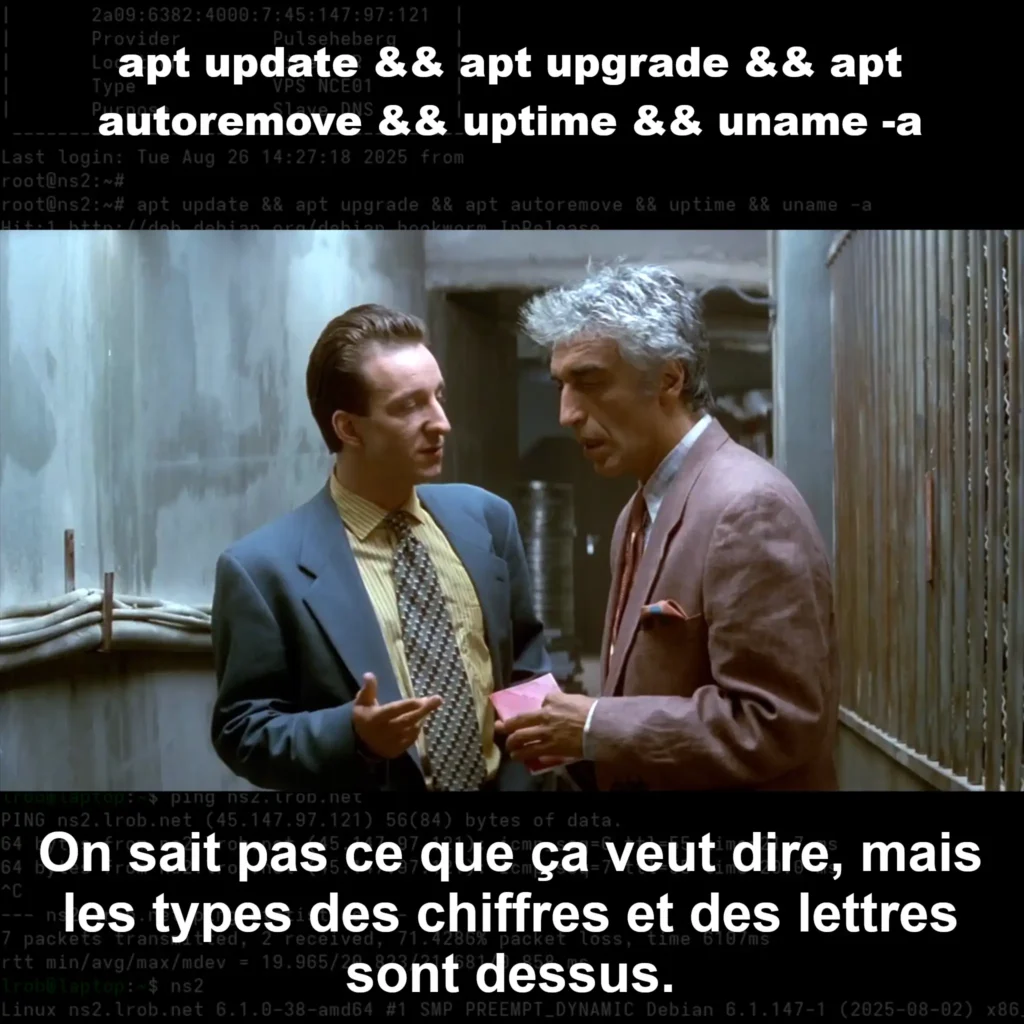
apt update && apt upgrade && apt autoremove && uptime && uname -aapt updaterefreshes the list of packages. On reads what's going to change (release notes, sensitive packages) to detect any breaking change.apt upgrade: applies the updates, since everything is fine 99.99% of the time.apt autoremovecleans up old kernels and other dependencies that are no longer needed.uptimeTime since last restart.uname -atechnical identity (kernel, architecture, etc.).
The && means : the sequence is executed only if the previous step was successful.
Fewer chain errors, more control.
Reboot or not reboot?
Unless the OS crashes completely, there is never any need to reboot a Linux machine... Except for upgrading the kernel, if you don't use KernelCare or similar for a hot upgrade. For the rest, all OS services can be restarted independently and all configurations can be edited. So if you think you need a reboot, it's probably because you haven't found the right program to restart... Or you want to update the kernel.
So, without KernelCare, depending on the kernel in place, changelogs on new kernels, and in particular the security patches, and from uptime, you decide whether or not to reboot the machine to switch to the new kernel.
So should we reboot or not? Here's an example of our decision scale:
- On a non-critical or redundant VPS server such as a DNS → The reboot is done in a few seconds, so we reboot every time a new kernel is available.
- On a dedicated web server → The reboot takes ~8 minutes, so it's better to do it for a major upgrade or a security patch. And above all: at night to cause less disturbance.
- Server not rebooted for +6 months → The new kernel surely has something to offer us, we'll plan the reboot.
What you gain with frequent scheduled updates
- Sustainable performance Intelligent renewal of equipment and controlled re-use.
- Stability no big bang, just small, controlled steps.
- Security minimum exposure window, fast patches.
- Transparency you know what, when, why.
Hosted customer: the right questions to ask your hosting provider
- What is automated on a daily basis?
- How is the incident management ?
- What is the reboot policy (windows, redundancy, rollback)?
- Who bed the significant changes each month, and how it's route ?
- What is the hardware lifecycle strategy (perf vs. sobriety, reuse)?
The LRob approach, in a nutshell
Automation security patches + monthly human checkup + 24/7 monitoring, with reboots tailored to the service and equipment that's always level, without unnecessary e-waste.
Tired of struggling with a poorly maintained fleet? Migrating to LRob is simple and transparent.
-> Because when you're proud of your work, you show it!
-> ? and you become a sure thing!
Leave a Reply
You must be logged in to post a comment.