
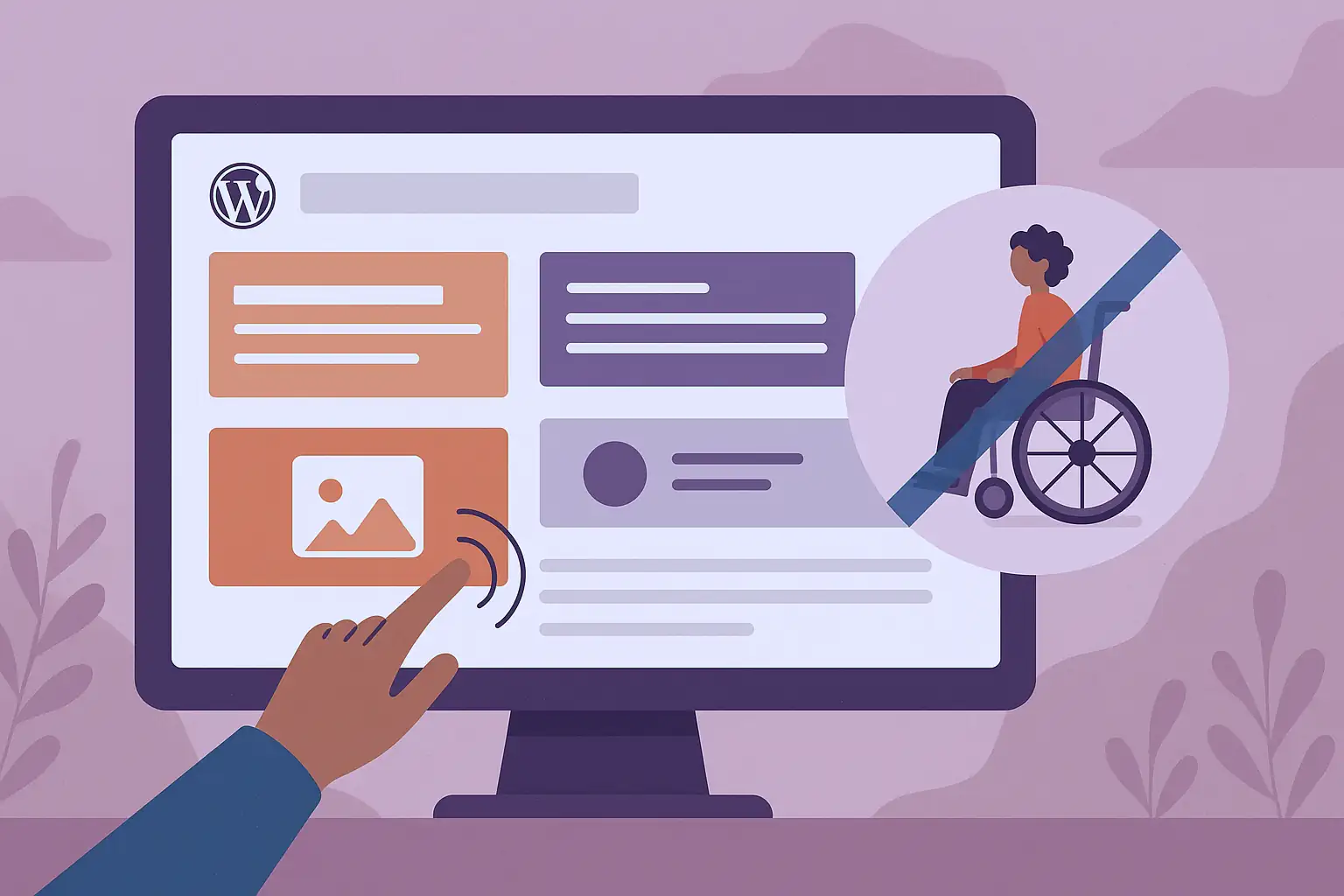
Animations are a great way to make a WordPress site more lively and engaging. With a simple plugin for Gutenberg, it's now easy to add elegant visual effects without writing a single line of code.
But be careful: improperly configured animations can have a detrimental effect on website accessibility. And a site that's not easily accessible means not only lost visitors, but also lost potential customers.
Which plugin should I use to animate my Gutenberg blocks?
For a simple, effective and free extension, I wholeheartedly recommend the plugin Animations for Blocks.
Why is this?
- Direct integration into the Gutenberg editor.
- A wide range of effects (fade, slide, zoom, bounce, etc.).
- Intuitive block-by-block configuration.
- No heavy dependency or huge impact on performance.
- Excellent support with an active developer who listens.
Simply put: it's the ideal extension for adding WordPress animations to Gutenberg. quickly and cleanly.
For those of you still using builders like Elementor, which are incompatible with Gutenberg blogs, I'll be blunt: it's time to review your policy, pack up your prejudices and turn to the future of WordPress with Gutenberg.
Caution: animations hamper accessibility
On modern systems (Windows, macOS, Linux, iOS, Android, etc.), there is an accessibility option allowing you to reduce or delete animations.
When this option is enabled, the browser sends this CSS directive :
preferences-reduced-motion: reduce👉 In practical terms, this means that your site must adapt its behaviour and delete animations if the user so requests.
Why is this important?
Because some people can suffer physical discomfort:
- dizziness,
- nausea,
- migraines,
- or disorientation.
Ignoring this rule will give them a hard time and make your site unusable.
Does WordPress support motion reduction?
WordPress is natively compatible with this motion reduction functionality.
In particular, the «Banner» block, which can be switched to «Fixed background» mode, can cause this major inconvenience for people affected, by creating a mismatch between the background and the superimposed text. When the user accessibility option is active, the background is no longer fixed, but scrolls uniformly with the rest of the text.
But many WordPress plugins don't yet follow this guideline.
So how do you get the best of both worlds, with beautiful animations that are deactivated for people who can't stand them?
Good news: Animations for Blocks is now compliant ✅
Since its creation, the Animations for Blocks plugin has not complied with this accessibility directive. The animations continued to be displayed, even if the user had asked for them to be removed.
But I didn't count on LRob! I spotted the problem and contacted the developer to suggest a fix. His response?
“That's a fair point, thank you!
Ska-Dev - WordPress.org forum
Added in version 1.2.3.”
Since version 1.2.3, Animations for Blocks complies fully with accessibility standards.
That's the advantage of using a plugin supported by the WordPress community: responsive, attentive and constantly improving.
Some recommend going even further with an opt-out function for people using public computers. This option is not yet available, but should be able to be developed on a bespoke basis if required.
To sum up:
- Always check that your animations comply with the directive
prefers-reduced-motion. If this is not the case, notify the developers or change your extension. - To add WordPress animations on Gutenberg, plugin Animations for Blocks is an excellent choice. The plugin is accessibility-friendly since version 1.2.3 (and we're proud to have contributed to it 😉 ).
- Choose a web host involved in WordPress accessibility.
👉 Do you want a high-performance, lively and accessible WordPress site?
So entrust your hosting and maintenance to a WordPress specialist involved in accessibility.
Leave a Reply
You must be logged in to post a comment.