

Finding the best caching plugin isn't easy. You have to test it, measure its performance, find out about its long-term support...
So what's the fastest cache? What's the best cache plugin? Which ones are practical and comprehensive, and which are high-performance? Do I need to pay for a good caching plugin?
Today, we are trying to answer these questions with independent measurements that are as objective as possible. The test is a bit «meta» because it involves testing on lrob.fr, A showcase/blog produced using FSE (full site editing). A standard, lightweight site.
Contents
Introduction
The objective of a cache plugin is to achieve a response time of less than 200ms or «TTFB» (Time To First Byte, 200ms is the maximum time recommended by Google PageSpeed Insights).
But not all cachets are created equal, as Yoan De Macedo reminds us in his blog post. Some perform better than others, and some even degrade performance. So if you really want to choose the best cache, you need to test several on your own site and measure the results precisely. Given the variability of response times, it is important to carry out tests over a period of time and average the results. However, this can be tedious, so you may want to use this comparative test as a starting point.
We also remind you that caching is not everything. Caching helps to reduce server resources, but your site must be optimised from the outset. Otherwise it's called a «cache misery». So opt for lightweight, well-optimised plugins and themes to avoid unpleasant surprises. The cache will then be the icing on the cake.
Plugins tested
I have based this list of plugins to be tested on a «top» list of caching plugins as well as on my experience of plugins actually encountered by various hosted customers:
- Autoptimize
- Breeze
- Cachify
- LiteSpeed Cache
- WP Fastest Cache
- WP-Optimize
- W3 Total Cache
- Bonus : Solid Performance (new plugin)
Test protocol
This test carried out by LRob is in no way sponsored by any cache plugin. It is intended to be as objective as possible. However, this test is only a reflection of itself and of our opinion, which cannot be perfectly objective and is therefore not intended to produce general truths. LRob is a independent web host specialising in WordPress.
Website details
The test is carried out on https://portail.lrob.fr/. The WP-Cron function is deactivated and is executed directly by the server every 4 minutes. The site runs under PHP 8.3.12 in dedicated FPM behind Apache 2, with MariaDB 11.4. Redis server is also available on the host server (version 5:6.0.16).
Theme
The site is built using FSE and the Twenty Twenty-Four theme.
Plugins
The site had 17 active plugins at the time of testing (not including the cache plugin tested):
See the list of plugins
- How to use Blacklist Updater
- Complianz | GDPR/CCPA Cookie Consent
- Connect Matomo
- Easy WP SMTP
- hCaptcha for WP
- Insert PHP Code Snippet
- Optimize Database after Deleting Revisions
- Rank Math SEO
- Regenerate Thumbnails
- Simple Local Avatars
- Site Reviews
- Social Sharing Block
- TranslatePress - Developer
- TranslatePress - Multilingual
- Update URLs
- WPForms Lite
- WPMasterToolKit
Measurements and details
Response time is measured using Uptime Kuma on a server at PulseHeberg in Switzerland (Lausanne), which provides this average. The production server is located at Hetzner in Falkenstein, Germany.
Each plugin is tested successively, with a measurement every 20 seconds for 5 minutes or more (sometimes I've gone for a coffee in between), i.e. a minimum of 15 measurements to obtain a consistent average.
Between each test, the values recorded by Uptime Kuma are erased after an initial measurement once the cache is in place; the cache folder is deleted and it has been checked that the .htaccess and wp-config.php files are free of any trace of the previous plugin.
Limitations of the protocol
The test was carried out on a server in production, generating a slightly higher variability in the results than that observed on a server with no activity. However, server usage is very moderate at the time of the test and the variability is compensated for by a series of more than 15 measurements each time, enabling the results to be averaged. The aim is not to obtain a value to the nearest millisecond, but to obtain an order of magnitude.
Furthermore, the test was carried out on a specific site and cannot be extrapolated to all sites: each site is different and will respond differently to certain plugins (particularly shops). But if your site is made with the Twenty Twenty-Four theme or another FSE (Full Site Editing) theme, then chances are your results will be similar.
Tests and Benchmarks
Baseline - Control test: Response without cache plugin
Without any caching plugins, the site responds in 379ms on average, with little variability. This is a relatively low base value, since sites built with builders can easily take 2 to 4x this response time.
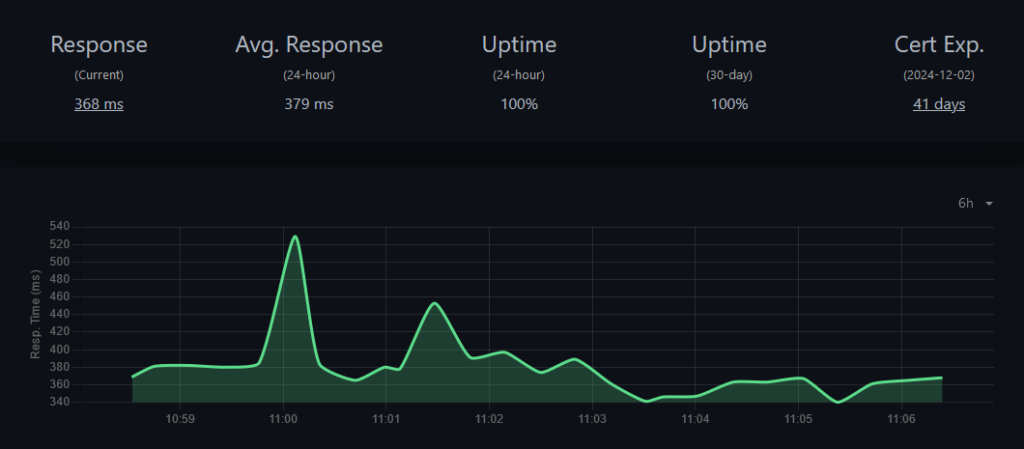
Let's take a look at how the different cache plugins manage to improve response times.
Autoptimize
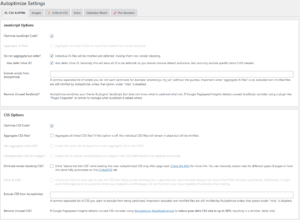
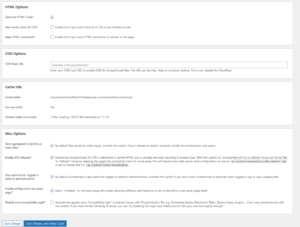
Average response: 379ms
The response time is identical to the site without cache. And for good reason, the Autoptimize cache function is only available with the paid plugin. In other words, you won't be able to speed up your site with the free version of this plugin. That's a shame.
However, as the developer points out Simon JANVIER, Autoptimize, the free version, is more useful for concatenating and intelligently minifying scripts. On this point, it can lighten your site, but this will not improve the TTFB (response time) of your site.
Breeze
Contrary to what I initially thought, Breeze isn't just for Cloudways or Varnish, it also works on a classic system. So I'm adding it to this test and I'd like to thank Michael GOUT for bringing this plugin to my attention.
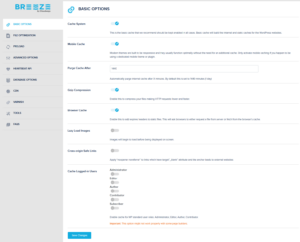
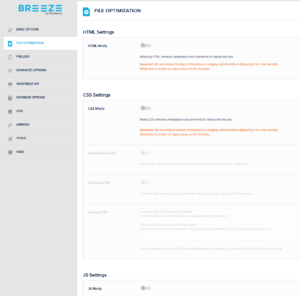
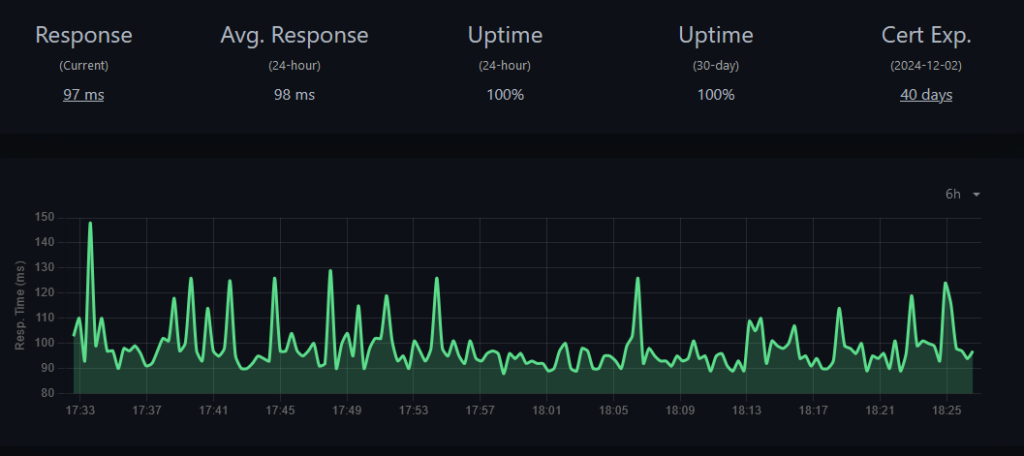
Average response: 98ms
The result is amazing: we're under 100ms with very stable response times! I'm just discovering this plugin and I'm falling off my chair!
I have a small reservation about the plugin's compatibility with all sites because of the comments on wordpress.org. From reading these comments, it seems that its use could cause a few problems with the most dynamic or complex sites, such as WooCommerce e-commerce sites.
As for the rest, it looks like an excellent choice not to be missed.
Cachify
Cachify offers database caching by default and also supports file caching and Redis caching. We tested the default cache and Redis. Apart from that, very few settings are available to us.
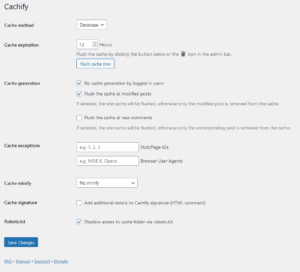
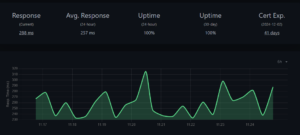
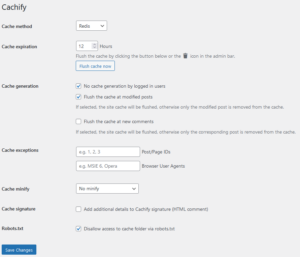
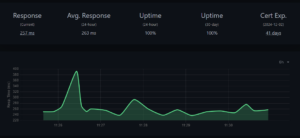
Average response: 260ms
The results are similar between the «Database» cache and Redis, within the margin of error. However, the results seem to be more stable with Redis. The result exceeds the expected 200ms in all cases, which is disappointing. This plugin can't really be recommended.
LiteSpeed Cache
LiteSpeed Cache has been in the news a lot recently for its security flaws. The plugin also claims to correspond to an Apache server. So how does it work in practice?
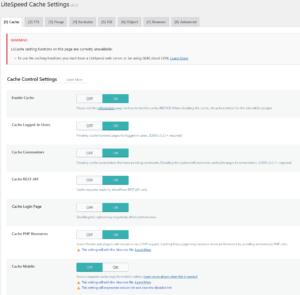
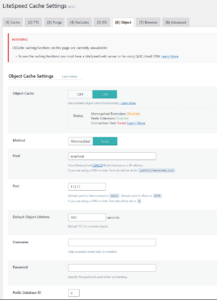
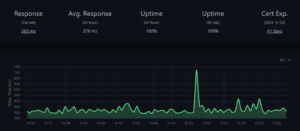
Average response: 376ms
A disappointing result for LiteSpeed cache on our test configuration, since the site is within the margin of error of the original response time of the site, without cache.
And for good reason, as Louis Chance, LiteSpeed, as its name suggests, does not provide any cache on an Apache server! You need an available LiteSpeed server. We can't recommend this plugin if you're running Apache, given the performance achieved and the many recent security flaws.
W3 Total Cache
W3 Total Cache offers a configuration wizard and numerous settings. It's the most comprehensive free plugin I know of. It supports various types of cache, including Redis. Here, minification has been activated, which may slightly increase the measured response time but offers better performance for visitors with slower connections (mobile, ADSL, etc.).

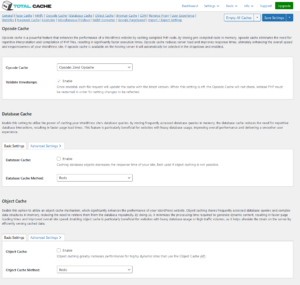

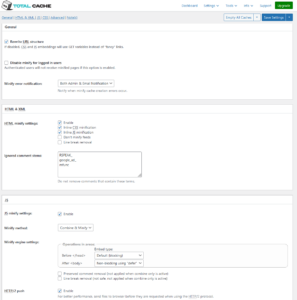
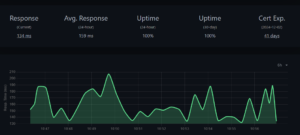
Average response: 159ms
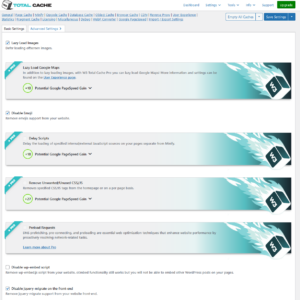
At last, a result under 200ms! With Redis, so avoiding thousands of cache files. And great control over settings and options like Lazy Load for images, and disabling certain optional WordPress scripts. Its versatile configuration will allow you to adapt it more precisely to each site: you can measure the performance obtained with different settings and choose the most relevant for your specific site.
The other types of cache available also perform well, although they have not yet been tested, and the results are fairly similar whatever the type of cache chosen.
In our experience, this plugin has never disappointed, so it's highly recommendable. (It's even LRob.fr)
WP Fastest Cache
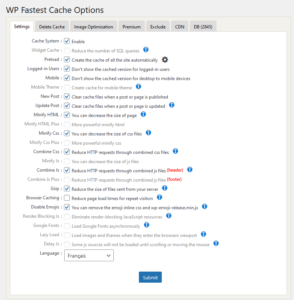
This plugin offers some interesting options in its free version. However, some of the options offered free with W3 Total Cache are missing.
But the most important thing today: does this plugin live up to its name by actually being the fastest?
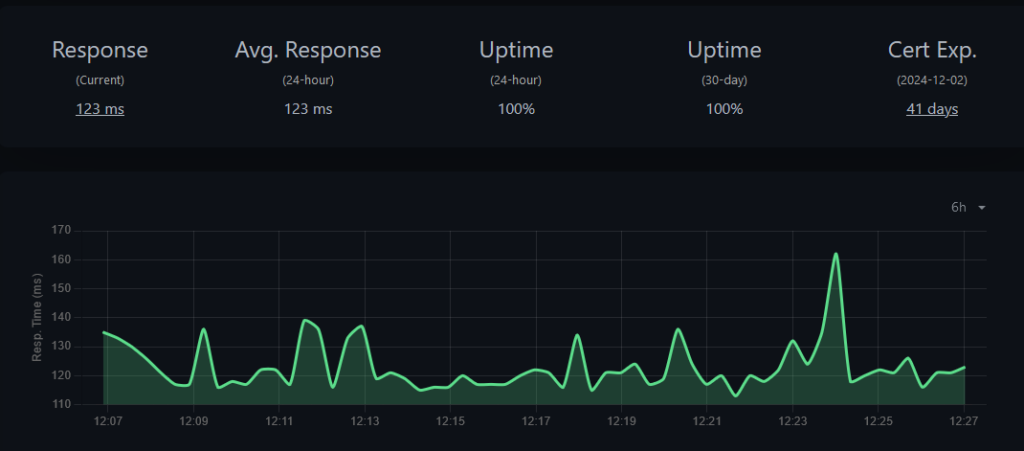
Average response: 123ms
This plugin lives up to its name: it's one of the fastest tested! In our test, however, Breeze came out on top.
At LRob, we've seen a wide range of blogs achieve great results with this plugin. It has never disappointed, and we recommend it without hesitation.
WP-Optimize
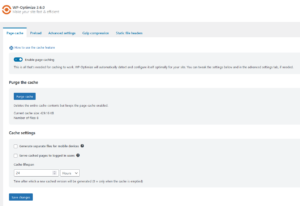
WP-Optimize offers very few cache settings. In fact, its primary function seems to be database cleaning. So how does it fare when it comes to caching?
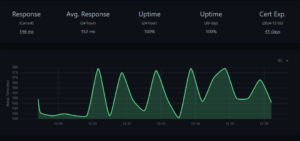
Response time variability is too high for our liking, with responses ranging from 132 to 180ms.
Nevertheless, the average remains very good at 152ms. A pleasant surprise.
We're not at all reassured by this variability and don't recommend this plugin as a cache. Especially as we've already seen sites that were slower with this plugin than without it... So use it with caution as a cache.
Solid Performance
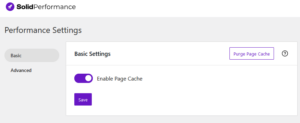
As a bonus, I'd like you to try out a new caching plugin, Solid Performance, which looks promising. (thanks to Julien ROUSSEL for the recommendation).
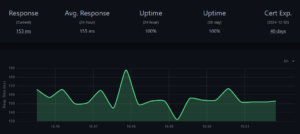
Average response: 155ms
While it doesn't provide any adjustments whatsoever, its measured response time is among the best in this test. Enough to potentially satisfy those who don't want to make the slightest adjustment. As the plugin is new, it hasn't yet been tested, but a cache plugin can easily be changed if necessary in most cases, so there's not much risk in trying it out if you feel like it!
Summary of results and conclusion
| Plugin | Average response (ms) | Percentage (lower is better) |
|---|---|---|
| Baseline (no cache) | 379 | 100% |
| Autoptimize | 379 | 100% |
| Breeze 🥇 | 98 | 25.8% |
| Cachify Database | 257 | 67.8% |
| Cachify Redis | 263 | 69.4% |
| LiteSpeed | 376 | 99.2% |
| W3 Total Cache Redis 🥉 | 159 | 41.9% |
| WP Fastest Cache 🥈 | 123 | 32.4% |
| WP-Optimize | 152 | 40.1% |
| Solid Performance | 155 | 40.9% |
We have no hesitation in recommending Breeze, WP Fastest Cache and W3 Total Cache which are all excellent. They offer very good response times with sufficient settings, even in the free version. It should be noted, however, that Breeze could cause a few problems on some sites. Also, W3 is a little more complete in the free version than WP Fastest Cache, which is why it has been chosen for LRob.fr, But Breeze could potentially replace it in time, as it provides almost as many functions while being simpler to use.
To sum up, according to our test :
- Choose Breeze for maximum performance, more for showcase sites
- Choose W3 Total Cache for the highest level of customisation or if your host supports Redis (this is the case for LRob accommodation)
- Choose WP Fastest Cache for excellent performance without configuration
A mention for WP-Optimize which, despite its lack of settings and its wide variability in response time, shows a perfectly decent average response time. Mention also goes to Solid Performance which, as a newcomer, lives up to its name and looks promising without revolutionising anything in its current state, due to its lack of settings. Cachify's settings and performance are inferior to those of other plugins. We can't comment on LiteSpeed in our Apache configuration (except to say that its usefulness is very limited in this type of configuration). Finally, Autoptimize offers no improvement in loading times and is therefore totally useless for this purpose, according to our measurements, but could be used in conjunction with a cache plugin to reduce the number of files.
Given the good results obtained with these free plugins, it doesn't seem essential to pay for a cache plugin if you don't need the additional functions offered. We could, however, test the paid versions in a future article, if you're interested.
Of course, a high-performance WordPress hosting is essential to obtain the best response times. LRob is here to help: it is WordPress specialist !
Leave a Reply
You must be logged in to post a comment.